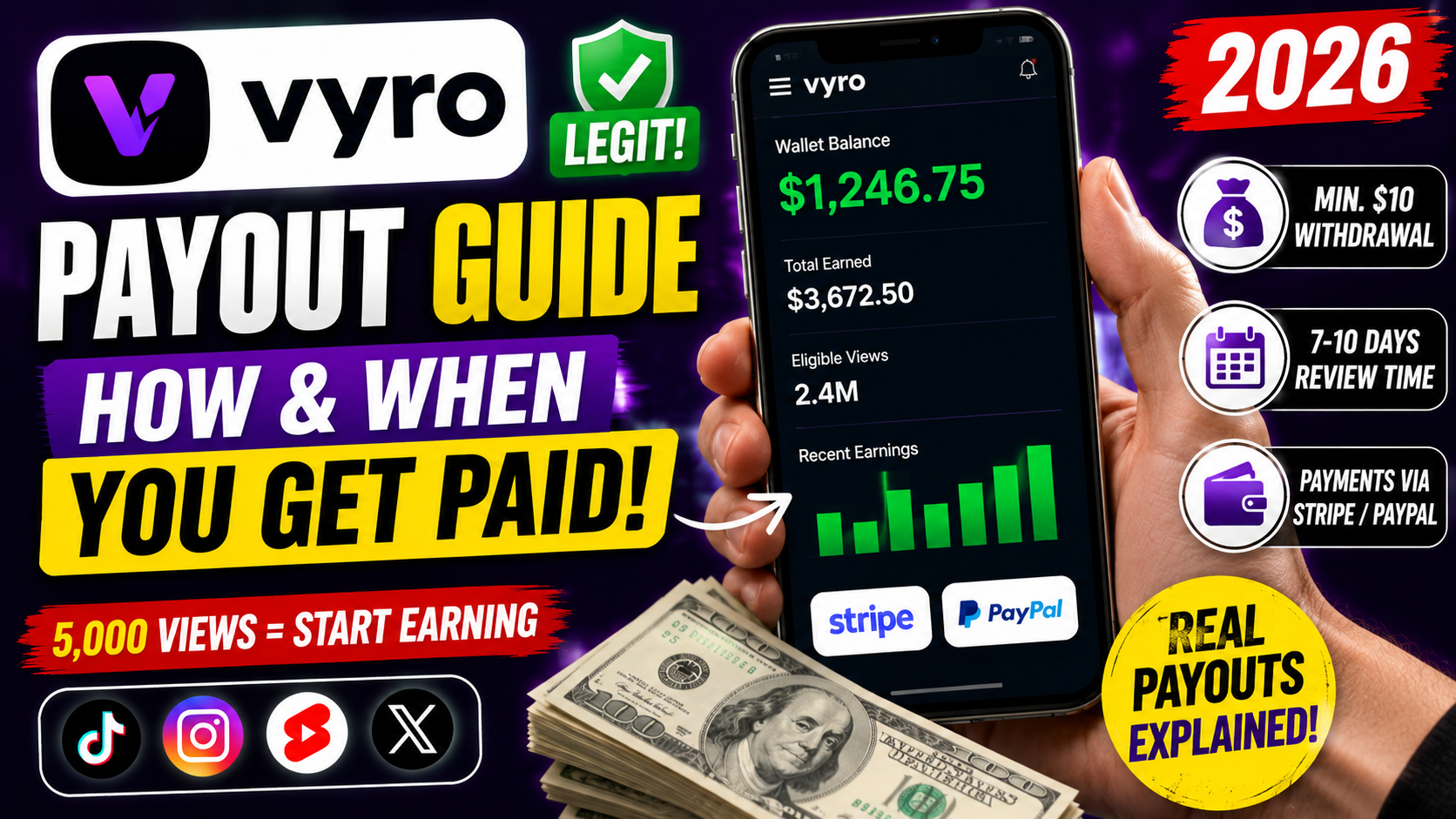
Getting paid is the most important part of any side hustle. If you are using Vyro, the clipping platform connected to MrBeast’s ViewStats team, you probably want clear answers about how earnings work and when the money actually reaches you.
This guide explains the full payout process in simple terms. You will learn how views turn into earnings, the minimum requirements, withdrawal methods, timelines, and common reasons balances stay pending. Everything is based on official platform information available in 2026.
Results depend on your clips, campaign rules, eligible views, and location. There are no guaranteed earnings.
How Vyro Earnings Work
Vyro pays based on eligible views your approved clips generate. Each campaign has its own rate, usually shown as an amount per 1,000 views or per 1 million views.
Once a clip is approved and reaches the minimum view threshold, earnings begin to accumulate. The platform updates view counts hourly, but only eligible views count toward payment.
Average Income: Varies widely by campaign performance and volume of clips.
Best For: Clippers who post consistently and follow campaign rules.
Quick Tip: Always check the live campaign card for the exact rate and remaining budget.
Minimum Views Required to Start Earning
Each individual approved post must reach at least 5,000 views before it starts generating earnings. This threshold is per post, not a total across all your clips in a campaign.
If a post stays below 5,000 views, it will not contribute to your balance even if other clips perform well.
Understanding Eligible Views
Eligible views are the views Vyro counts toward your payment. These can differ from the numbers you see on TikTok, Instagram, YouTube Shorts, or X.
Vyro begins counting from the moment you submit the clip. Platform algorithms, timing, and verification checks can cause differences between the social media counter and Vyro’s numbers.
If a campaign’s total budget is nearly used up, remaining payments may be shared (prorated) among clippers. This can lower the amount you receive compared to the listed rate.
Maximum You Can Earn Per Clip
Most campaigns cap earnings at 1 million eligible views per clip. Depending on the campaign rate, this typically means a maximum between $500 and $2,000 per individual clip.
Once a clip hits the cap, extra views no longer add to your earnings for that post. Always check the campaign details for the exact maximum.
Pending Balance vs Available Balance
When a campaign is still running or under review, your earnings usually sit in a Pending Balance. This is normal.
After the campaign ends, funds stay pending during a verification period. They typically move to your Available Balance about 7 to 10 days later. In some cases a short grace period can add a few extra days.
You will receive an email when funds become available for withdrawal.
How to Withdraw Your Earnings
Once your Available Balance reaches at least $10, you can request a cash-out from the Earnings tab in your Vyro account.
Supported methods are Stripe or PayPal, depending on your country. IBAN, ACH, and cryptocurrency withdrawals are not supported.
Key rules:
- Minimum withdrawal amount: $10
- You can request a withdrawal only once every 7 days
- Link the payment method that is available in your region
After you request the withdrawal, you should receive a confirmation email when it is processed.
When You Actually Get Paid
The full timeline looks like this:
- You submit and get a clip approved.
- The clip reaches 5,000+ eligible views and starts earning.
- Earnings appear as pending while the campaign runs.
- Campaign ends.
- 7–10 day review and verification period.
- Funds move to Available Balance.
- You request withdrawal (minimum $10).
- Money is sent via Stripe or PayPal.
The exact number of days can vary slightly based on campaign length and review processes.
Why Earnings Sometimes Differ from the Listed Rate
Two common reasons explain lower-than-expected amounts:
- The campaign budget is nearly finished, so remaining money is shared among all qualifying clips.
- You submitted the clip later, so it captured fewer of the total available views.
Submitting clips promptly after creating them gives you the best chance of capturing more views while the budget is still open.
Tips for Beginners
Check your Earnings tab regularly so you understand the difference between pending and available balances.
Set up your Stripe or PayPal account early, even if you have not reached $10 yet. This makes the first withdrawal smoother.
Keep records of your submitted clips and the campaign rates. It helps if you ever need to review a payment.
Make sure your connected social accounts stay active and follow platform rules. Issues on the social side can affect how views are counted.
Read every campaign brief carefully. Missing a disclosure or using unapproved footage can lead to rejected clips and lost earnings.
Be patient during the 7–10 day review window. This period exists to confirm views are authentic.
Common Mistakes to Avoid
Expecting instant payouts.
Earnings only become withdrawable after the campaign ends and the review period finishes.
Ignoring the $10 minimum.
You cannot withdraw smaller amounts, so keep posting until you reach the threshold.
Assuming every view counts.
Only eligible views tracked by Vyro after submission are paid.
Missing the 5,000-view threshold.
A clip with 4,900 views earns nothing until it crosses the line.
Requesting withdrawals too frequently.
The platform limits cash-outs to once every 7 days.
Forgetting to link the correct payment method.
Only Stripe or PayPal (depending on your region) are accepted.
Bonus Tips
Turn on email notifications so you know immediately when funds move to Available Balance or when a withdrawal is complete.
If your balance stays pending longer than expected, wait for the full review window plus any grace period before contacting support.
Some countries face payment processor restrictions. Check the official supported countries list if you cannot see a withdrawal option.
Submit clips as early as possible in a campaign. Earlier submissions often capture more of the budget.
Treat the payout process as part of the skill. Understanding how pending balances, caps, and proration work helps you plan better.
Conclusion
Vyro’s payout system is straightforward once you understand the key steps. Clips need approval and at least 5,000 eligible views to start earning. Funds sit in pending until the campaign ends and a 7–10 day review is complete. After that, you can withdraw amounts of $10 or more via Stripe or PayPal once every 7 days.
The process is designed to verify authentic views and manage campaign budgets fairly. Results still depend on your clip performance, timing, and the specific campaigns available.
Bookmark this guide and check the official Vyro Help Center for any future updates. Focus on creating strong clips, submit them promptly, and the payout side becomes much clearer over time.
Frequently Asked Questions (FAQs)
What is the minimum amount I can withdraw on Vyro?
You need at least $10 in your Available Balance to request a cash-out.
How long does it take for earnings to become available?
After a campaign ends, funds typically move from Pending to Available Balance in about 7 to 10 days.
Which payment methods does Vyro support?
Only Stripe or PayPal, depending on your country. Crypto, IBAN, and ACH are not supported.
Why is my balance still pending?
Pending funds wait until the campaign ends and a verification period (usually 7 days) confirms the views are authentic.
Do I need 5,000 views on every single clip?
Yes. Each approved post must individually reach at least 5,000 views before it starts earning.
Can I withdraw more than once a week?
No. Cash-outs are limited to one request every 7 days.
Why don’t my earnings match the campaign CPM exactly?
Budgets can run low and payments may be prorated, or your clip may have been submitted later in the campaign.