
Artificial intelligence is changing the way people work, create content, study, and run businesses. Whether you’re a student, freelancer, content creator, marketer, or business owner, the right AI apps can help you save time and improve productivity.
With hundreds of AI tools available today, choosing the right ones can feel overwhelming. Some tools are excellent for writing, while others specialize in coding, video editing, image generation, automation, or research. This guide covers 15 of the best AI apps in 2026 that are actually useful for everyday work. You’ll discover what each app does, who it’s best for, and practical tips to help you get started.
1. ChatGPT
Best AI Assistant for Everyday Tasks
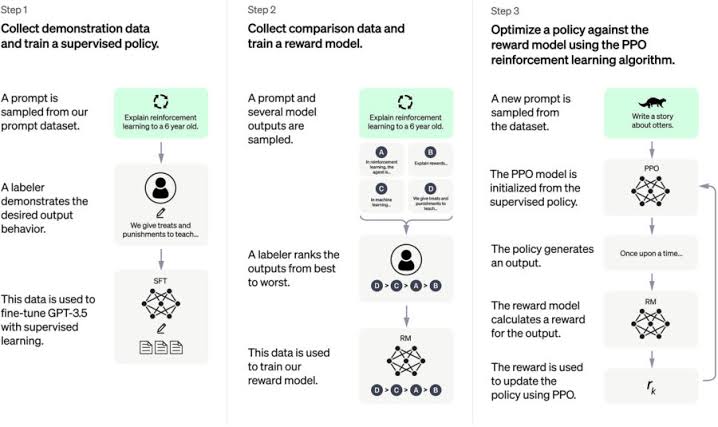
ChatGPT remains one of the most versatile AI tools available. It helps with writing, brainstorming, coding, research, email drafting, summarizing documents, and much more. Both beginners and professionals use it daily to complete tasks faster.
Best For: Writing, research, coding, brainstorming
Quick Tip: Use detailed prompts with context to receive more accurate and personalized responses.
2. Claude
Best for Long-Form Writing and Research
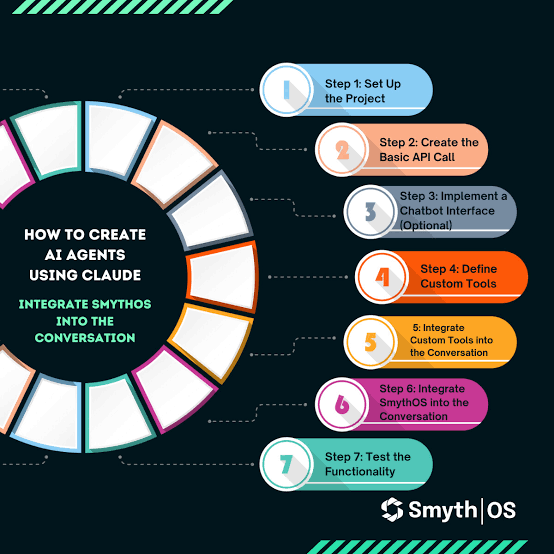
Claude is known for producing natural, thoughtful responses and handling long documents exceptionally well. It’s especially useful for blog writing, proofreading, content planning, and detailed research.
Best For: Writers, researchers, marketers
Quick Tip: Upload documents and ask Claude to summarize or improve them instead of copying text manually.
3. Google AI Studio
Best Free AI Playground
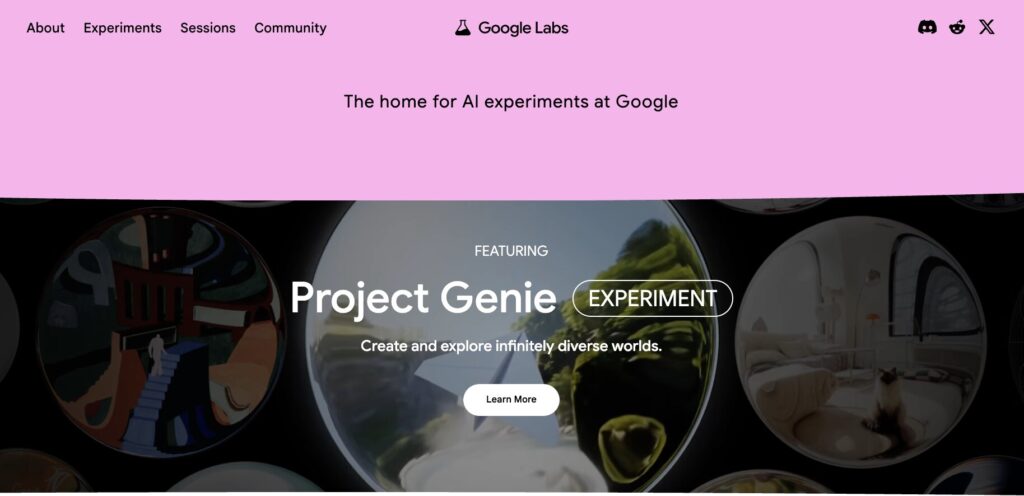
Google AI Studio gives users access to Google’s Gemini models for free. You can experiment with prompts, build simple AI apps, generate text, and test creative ideas without spending money.
Best For: Beginners, developers, AI enthusiasts
Quick Tip: Test different prompt styles to understand how AI responds before using it in real projects.
4. Gumloop
Best AI Automation Platform
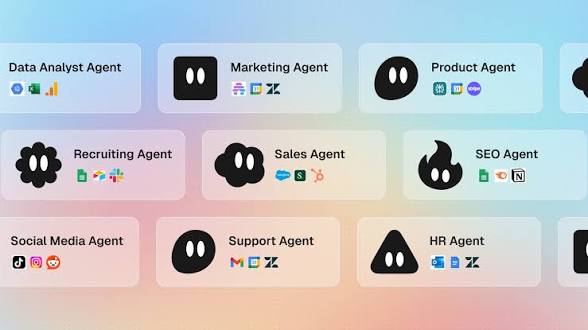
Gumloop helps automate repetitive business tasks using AI-powered workflows. Instead of connecting apps with simple automation, it allows AI to analyze information and make decisions within workflows.
Best For: Marketing automation, SEO workflows, business operations
Quick Tip: Start with pre-built templates before creating advanced custom automations.
5. Cursor
Best AI Coding Assistant
Cursor is an AI-powered code editor built for developers. It speeds up coding, debugging, documentation, and software development by integrating advanced AI models directly into the editor.
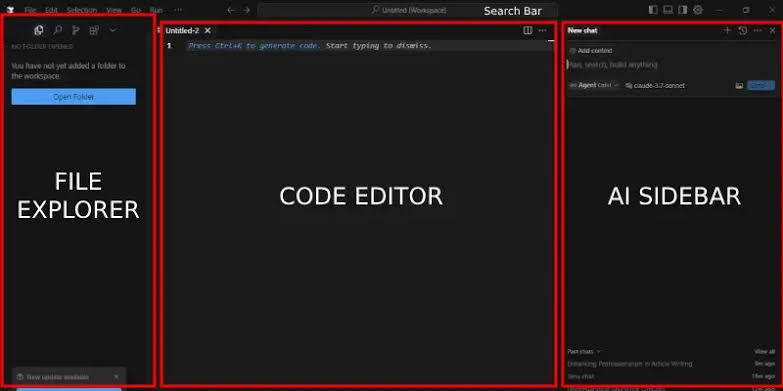
Best For: Developers, programmers
Quick Tip: Let AI generate the first version of your code, then review and customize it yourself.
6. Perplexity AI
Best AI Search Engine
Perplexity combines AI with web search to provide quick, well-sourced answers. It’s excellent for research because it includes references instead of simply generating responses.
Best For: Research, fact-checking, learning
Quick Tip: Compare multiple sources before making important decisions.
7. Gamma
Best AI Presentation Maker
Gamma creates beautiful presentations, reports, and documents in minutes. It reduces the time needed to design slides while maintaining a professional appearance.

Best For: Business presentations, students, educators
Quick Tip: Edit AI-generated slides to match your personal branding.
8. ElevenLabs
Best AI Voice Generator
ElevenLabs produces realistic voiceovers in multiple languages. It’s widely used by YouTubers, podcasters, educators, and businesses creating audio content.
Best For: Voiceovers, podcasts, video narration
Quick Tip: Use natural punctuation in your script for smoother speech output.
9. Descript
Best AI Video and Podcast Editor
Descript makes audio and video editing simple by allowing users to edit content like a text document. It also includes transcription and AI voice tools.
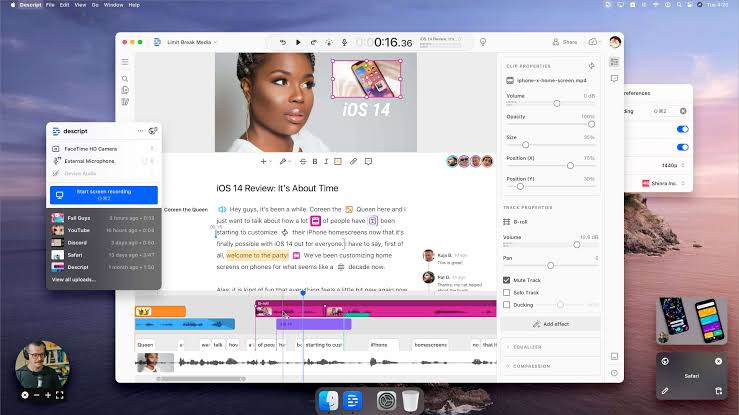
Best For: YouTubers, podcasters, content creators
Quick Tip: Automatically remove filler words to improve your videos.
10. Higgsfield
Best AI Video Creation Platform
Higgsfield combines multiple AI video tools into one platform, making it easier to generate videos, edit content, create voiceovers, and produce creative marketing assets.
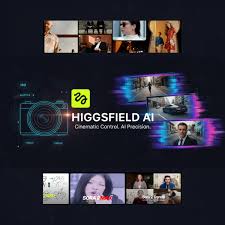
Best For: AI video creators, marketers
Quick Tip: Experiment with different AI models to achieve unique visual styles.
11. Weavy
Best AI Image Workflow Tool
Weavy helps users create consistent, branded images using AI workflows. It’s particularly useful for blog thumbnails, Pinterest graphics, and social media visuals.
Best For: Designers, bloggers, Pinterest creators
Quick Tip: Save your favorite templates to maintain consistent branding.
12. Canva AI
Best AI Design Tool
Canva has expanded its AI features with image generation, writing assistance, background removal, and presentation creation, making graphic design easier for everyone.
Best For: Social media graphics, marketing materials
Quick Tip: Combine AI-generated images with Canva templates for professional-looking designs.
13. Originality AI
Best AI Content Detection Tool
Originality AI helps website owners and publishers evaluate written content. It includes plagiarism checking and AI content detection to improve publishing quality.
Best For: Bloggers, agencies, publishers
Quick Tip: Always edit AI-generated content to improve readability and originality.
14. Grammarly AI
Best AI Writing Assistant
Grammarly helps improve grammar, spelling, sentence clarity, and writing tone. Its AI suggestions make professional communication easier.
Best For: Students, professionals, writers
Quick Tip: Don’t accept every suggestion automatically—review edits carefully.
15. Microsoft Copilot
Best AI for Microsoft Office Users
Microsoft Copilot integrates directly into Word, Excel, PowerPoint, and Outlook, helping users write documents, analyze spreadsheets, summarize emails, and create presentations more efficiently.
Best For: Office productivity, business professionals
Quick Tip: Learn keyboard shortcuts to maximize productivity when using Copilot.
Tips for Beginners
- Start with free plans before upgrading.
- Focus on learning one AI tool at a time.
- Write clear prompts with enough context.
- Always review AI-generated content before publishing.
- Use AI as an assistant rather than replacing your own creativity.
- Save successful prompts for future projects.
- Stay updated because AI tools improve frequently.
Common Mistakes to Avoid
1. Using Vague Prompts
Generic prompts usually produce generic answers.
2. Trusting AI Without Verification
Always fact-check important information before sharing or publishing it.
3. Ignoring Privacy
Avoid uploading confidential or sensitive information to AI tools.
4. Depending on One Tool
Different AI apps have different strengths. Choose the right tool for each task.
5. Publishing AI Content Without Editing
Human editing improves accuracy, readability, and originality.
6. Skipping Free Tutorials
Many AI platforms offer excellent learning resources that help you get better results.
Bonus Tips
- Use ChatGPT or Claude for writing and brainstorming.
- Use Perplexity AI for research with citations.
- Create Pinterest graphics with Canva AI or Weavy.
- Use ElevenLabs for realistic voiceovers.
- Build presentations faster with Gamma.
- Automate repetitive marketing tasks using Gumloop.
- Keep experimenting with new AI tools because the industry evolves quickly.
Conclusion
AI apps continue to transform the way we work, create content, and solve problems. Whether you need help writing articles, editing videos, building software, designing graphics, or automating business tasks, there’s an AI tool that can make your workflow more efficient.
The best approach is to start with one or two tools that match your goals, learn their features, and gradually expand your toolkit. As AI technology continues to evolve, staying informed and practicing regularly will help you get the most value from these powerful applications. Save this guide for future reference and continue exploring new AI innovations as they become available.
Frequently Asked Questions (FAQs)
Which AI app is best for beginners?
ChatGPT, Google AI Studio, and Canva AI are excellent choices because they’re easy to use and offer free plans.
What is the best AI app for writing?
Claude and ChatGPT are among the best options for writing, editing, brainstorming, and content creation.
Which AI tool is best for creating videos?
Higgsfield and Descript are strong choices for AI-powered video creation and editing.
Are free AI apps good enough?
Yes. Many free AI apps provide excellent features for learning and completing everyday tasks. Paid plans mainly offer higher limits and advanced capabilities.
Which AI app is best for coding?
Cursor is one of the top AI coding tools, while ChatGPT and Claude also provide excellent programming assistance.
Can AI replace human creativity?
No. AI works best as a productivity assistant. Human creativity, judgment, and experience are still essential for producing high-quality work.
How do I choose the right AI app?
Identify your main goal first—writing, coding, research, design, automation, or video editing. Then compare features, pricing, ease of use, and integrations before deciding which tool fits your workflow best.